How to integrate Office 365
The BeeCastle platform revolves around automation .
The BeeCastle platform revolves around automation. By offering Office 365 Integration, all your emails and calendar events are automatically recorded in BeeCastle without any manual input. BeeCastle automatically allocates these emails and calendar events to the relevant contacts and companies so that all company and contact interactions are tracked in one place, for all users to easily access and view in real time.
We have made Office 365 integration simple. Integration is either available upon sign-up or easily switched on in Settings. Keep reading for instructions on how to integrate 365.
Integrating 365 upon sign-up
After signing up your BeeCastle Account, you will be prompted to choose which type of business account your business uses; Office 365 or Other (We currently only offer such integration with Office 365. Read help articles for setting up G-Suite, AWS and Zoho)
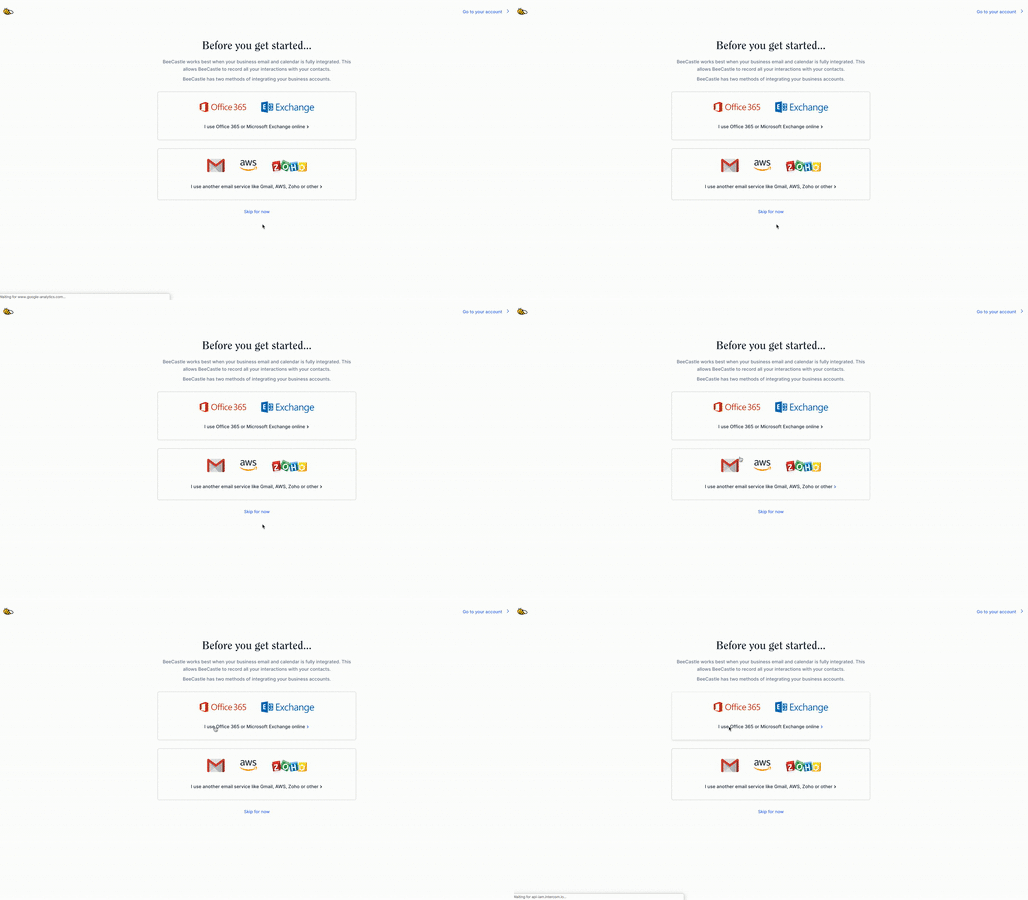
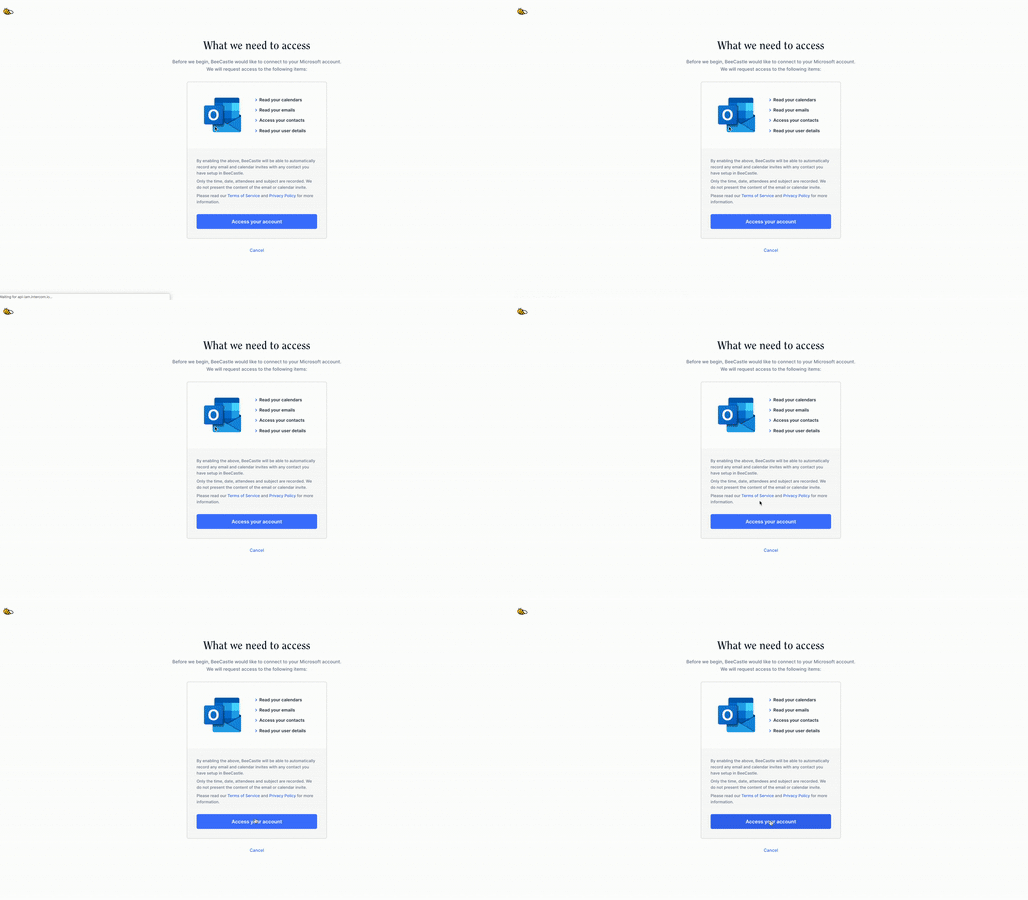
2. Upon selecting Office 365, you will be required to allow BeeCastle access to your 365 account. With access, BeeCastle only records time, date, attendees and subject. We do not present the content of the email or calendar invite (Find out more). Please click the ‘Access your account’ button. (If access is denied please read this help article)
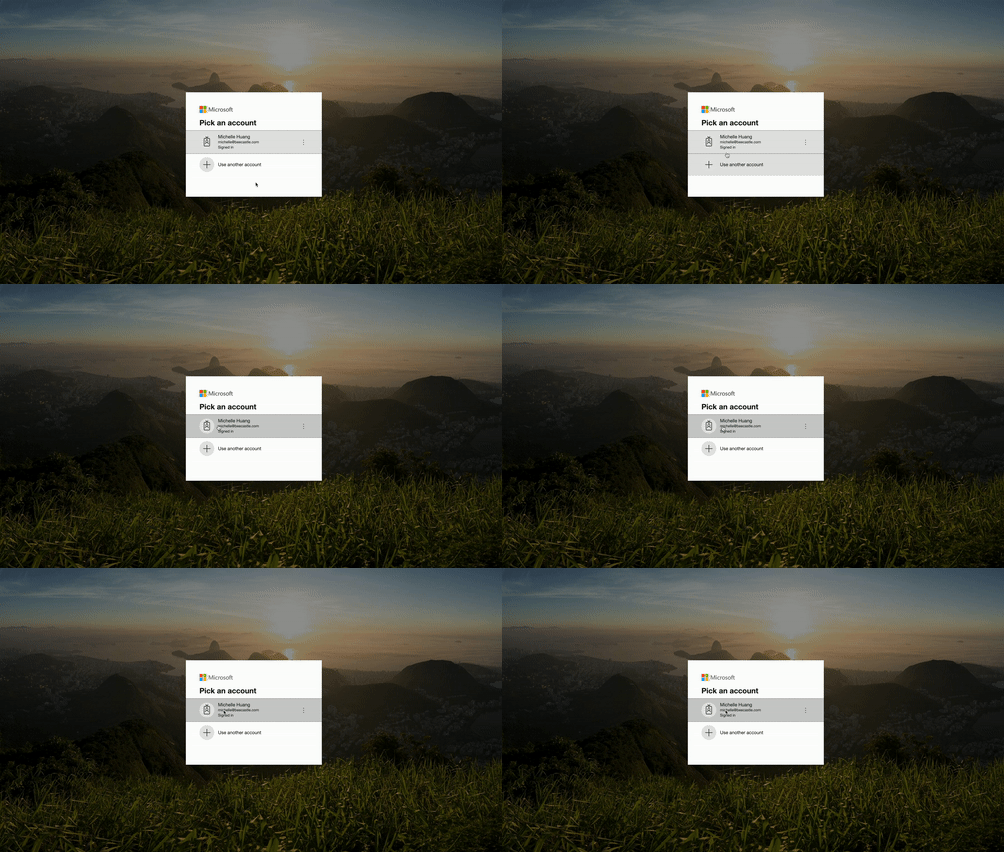
3. Pick the Office 365 account you wish to integrate. This must be a work Office 365 account.
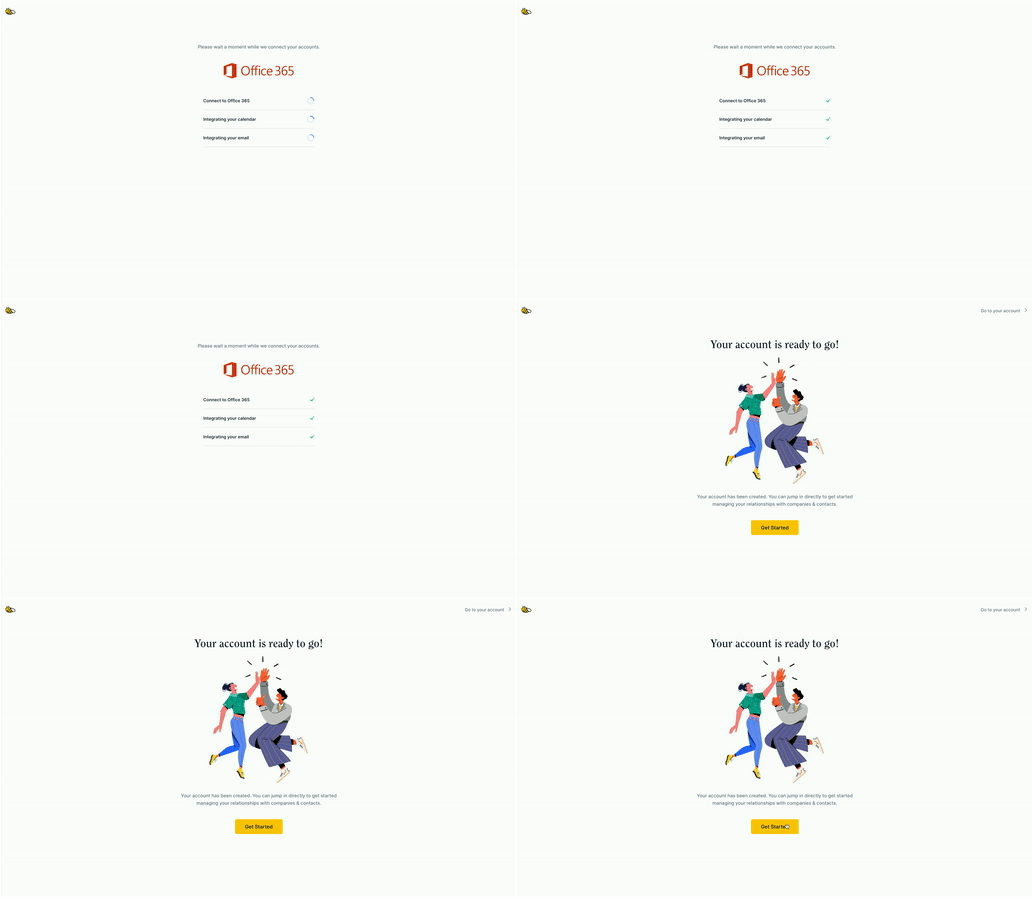
4. After waiting a moment to connect your account, your account will be ready to go!
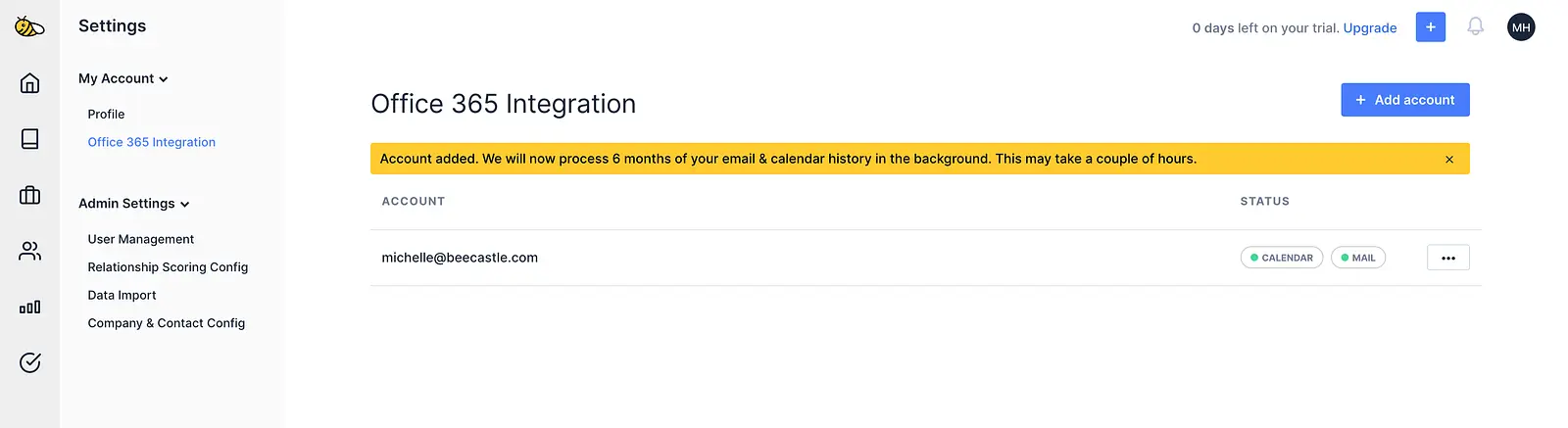
In ‘Office 365 Integration’ (Settings), the ‘Calendar’ and ‘Mail’ buttons should appear green, per the below picture.
Where these buttons appear red, not green, Office 365 has failed to integrate. Please contact BeeCastle admin for help.
Integrate 365 after signing up
In Settings, select ‘Office 365 Integration’ in My Account.
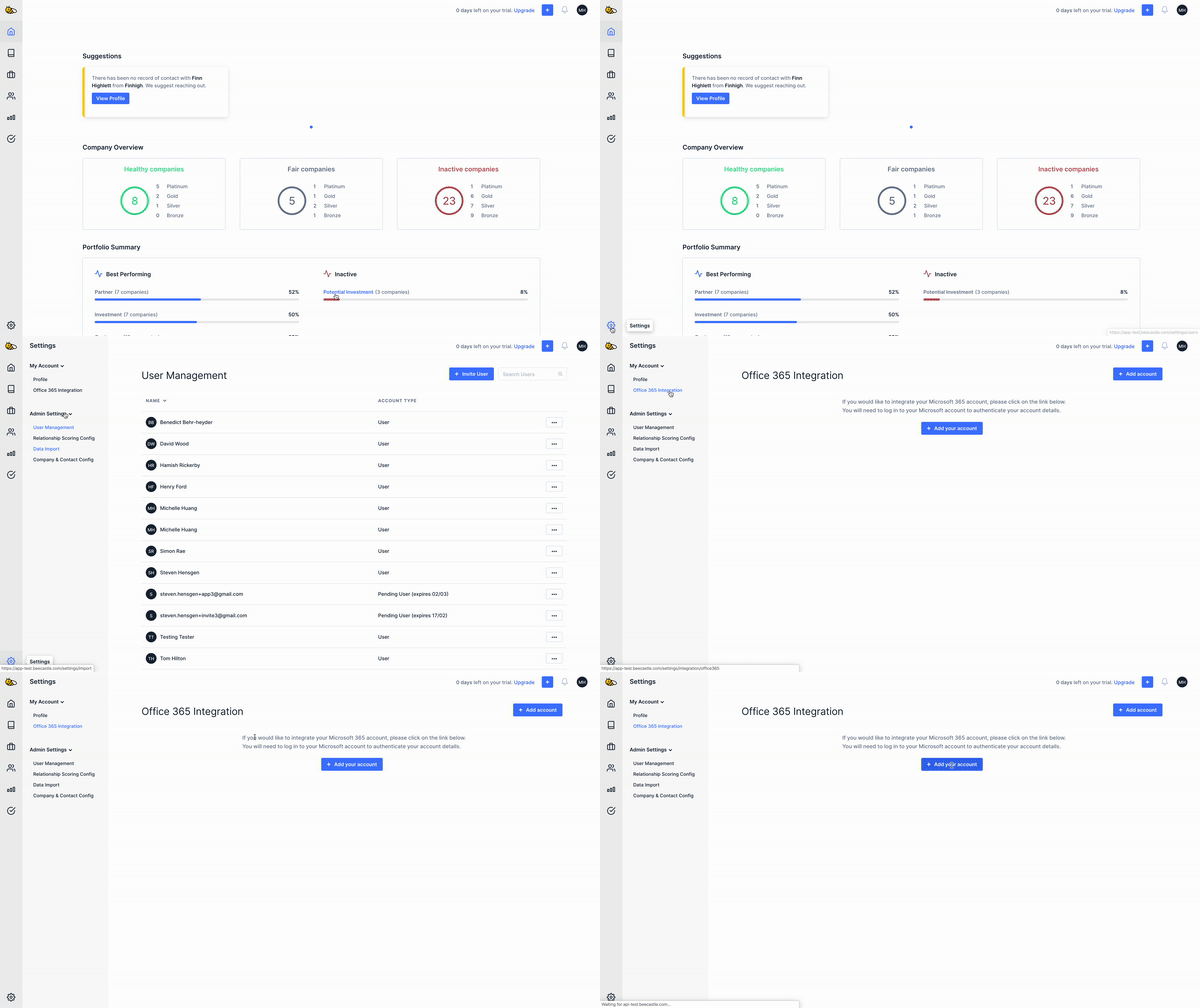
2. Follow steps 2 - 4 per above from 'Integrating 365 upon sign-up'
Was this article helpful?
Related articles
How to integrate Teams Calling
Start automating the recording of your calls made with direct routing through Teams with BeeCastle's Teams calling in...
Integrating Microsoft 365Why does BeeCastle need access to 365 calendar, email & outlook?
BeeCastle uses Microsoft 365 integration to automatically analyse & record the email, calendar & calling touchpoints ...
Integrating Microsoft 365Syncing Recurring Meetings from Microsoft 365
How to sync recurring meetings for your account and how recurring meetings work
Integrating Microsoft 365I tried to integrate 365 & it said I needed 'Admin Approval'. What do I/my IT team need to do?
When 'Admin approval' is required for Office 365 Integration